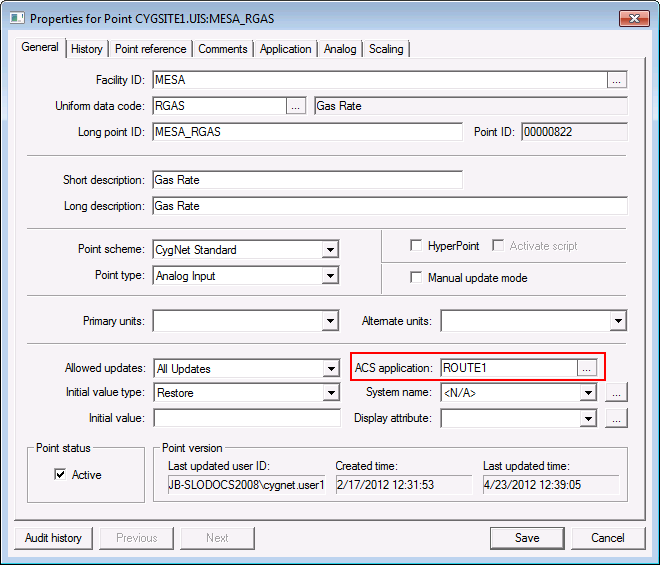
This is administrative in the PNT and establishes an Application Override
for the point in its target services.
Component-level security applied to a PNT record does two things:
You must have at least Level 2 authorization for the service’s ACCESS event to change the properties of a record.
|
|
| The application that governs PNT component-level security for this point. This is administrative in the PNT and establishes an Application Override for the point in its target services. |
To Configure PNT Component Security
Be sure you understand Application Override before configuring PNT component-level security.

|
|
|

